Ready to connect your AI tool to Sokin?
Hours of work, done in minutes. Ask your AI tool,
review what it prepares, and approve what matters.
Sokin’s Model Context Protocol (MCP) brings your live Sokin data, balances, rates and payment activity, into Claude, ChatGPT and other supported AI tools.
Get in touch
Ask your AI tool to fetch funding details, validate a beneficiary or prepare a payment. The routine admin moves to AI, not you.

See balances, transaction activity, FX quotes, payment status and more, live, right inside the AI conversation you're already having.

Pull together your live Sokin data with your own financial records, so you can spot exceptions, reconcile activity and act on exposure in less time.

Send payments in 70+ currencies1, all from the AI tool of your choice.
No complex setup. Sokin issues a secure endpoint for your AI tool of choice in seconds.
Add it to Claude, ChatGPT or other supported AI tools as a private connector; no engineering effort required. It only sees what you're already allowed to, and you can revoke access whenever you like.
Ask for a position or payment, in plain language. Answers land instantly. Anything that moves money waits for your approval first.
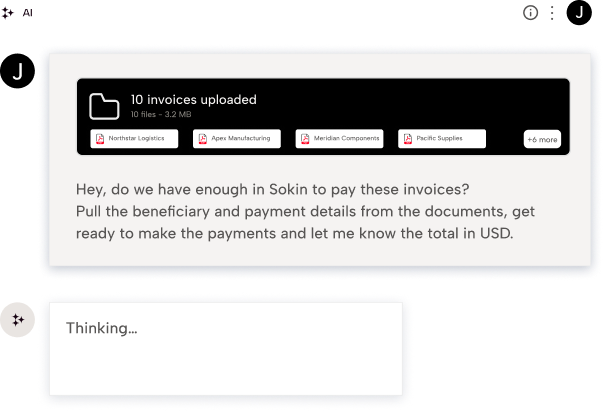
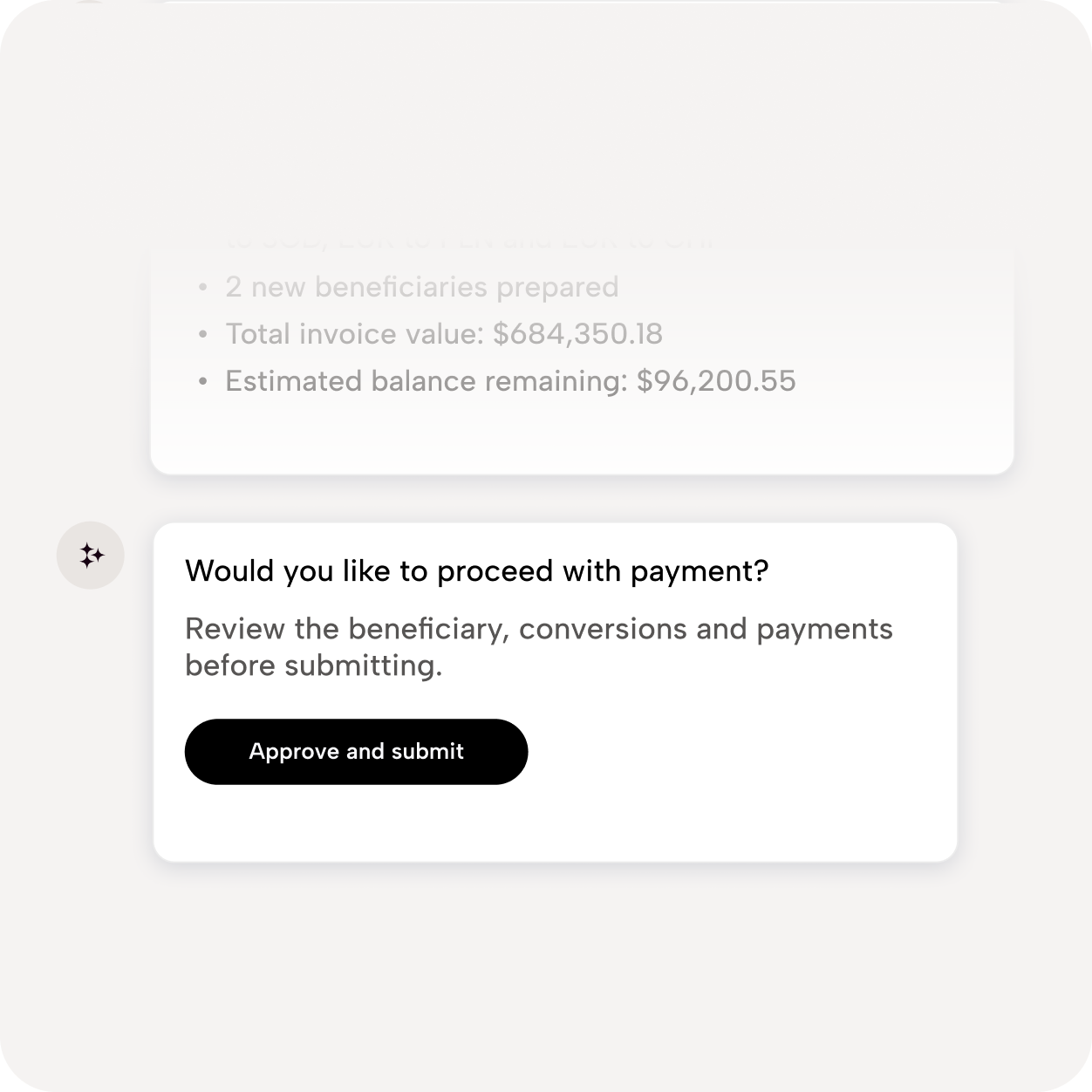
Sokin MCP gives your AI tool direct access to a set of Sokin capabilities, so it can act on your behalf, without you switching tabs.


We keep your funds segregated from our own and place them with reputable banking partners so you can rest easy knowing your money is always protected.

We operate under a global suite of licenses and regulatory approvals, meeting strict standards wherever you do business. See how we’re regulated around the world here.

We've built our systems to meet financial institution standards. We maintain advanced threat protection so you can focus on growing your business. View our Trust centre.
Sokin MCP is a secure connector that lets you run your cross-border finance operations through the AI tool you already use, like Claude or ChatGPT, instead of only through the Sokin portal. Rather than switching tabs to check a balance or chase a payment, you ask your AI tool directly, and it calls the relevant Sokin tools on your behalf.
Your AI tool can check balances and transaction activity, get a live FX quote, look up or validate a beneficiary, check the status of a payment, retrieve the details you need to fund an account, add a new beneficiary, and prepare a single payment for you to approve. It's built around the everyday finance questions you'd normally answer by logging into the portal.
No. Think of your AI tool as the one doing the typing, not the one signing off. It prepares an instruction and shows you exactly what it's about to do, and nothing moves until you confirm it. From there, anything that touches money still follows your existing Sokin approval rules, the same ones already protecting your account today.
Sokin MCP works with Claude, ChatGPT and other supported AI tools, so you're not locked into a single provider.
Sokin MCP doesn't hand your AI tool a blank cheque. It is designed to apply the permissions configured for the relevant Sokin account and connection. Customers should also review the data-handling, retention and security settings of the AI provider they choose to connect.
Sign in to a supported AI tool with your Sokin Corporate Portal login, and add Sokin's MCP as a connector. If you already have access to your company's Sokin account, you're good to go, no API key, no separate setup.
Hours of work, done in minutes. Ask your AI tool,
review what it prepares, and approve what matters.